JPG Size Reducer
Online tool to reduce image size to target KB with white background design
📁 Drag & Drop JPG here or
✨ Image reduced successfully!
Compress JPG Images Online – Free JPG Size Reducer Online
In today’s digital-first world, image optimization plays a crucial role in website performance, SEO rankings, and user experience. Large image files slow down websites, increase bounce rates, and negatively impact Core Web Vitals. This is where the JPG Size Reducer Tool stands out as a modern, lightweight, and highly effective solution for reducing JPG image size directly on a WordPress website.
Designed with a minimal white UI and smooth user experience, this plugin allows users to compress JPG images to a specific target size in kilobytes (KB) without relying on third-party servers or external APIs.
What Is JPG Size Reducer Online Tool?
JPG Size Reducer Online Tool is a WordPress shortcode-based image compression tool that enables visitors to reduce JPG image sizes online with ease. The tool provides a clean drag-and-drop interface, real-time image preview, and instant download functionality — all wrapped in a modern, white-themed design.
Unlike bulky image optimization tool that run server-side processes, this tool works entirely on the client side using JavaScript and HTML5 canvas, ensuring faster performance and better privacy.
Key Features of JPG Size Reducer Tool
1. Clean & Modern Tool
The Tool uses a minimalistic white theme with soft borders, rounded corners, and smooth hover effects. Built with user experience in mind, it blends seamlessly into modern WordPress websites.
2. Drag & Drop JPG Upload
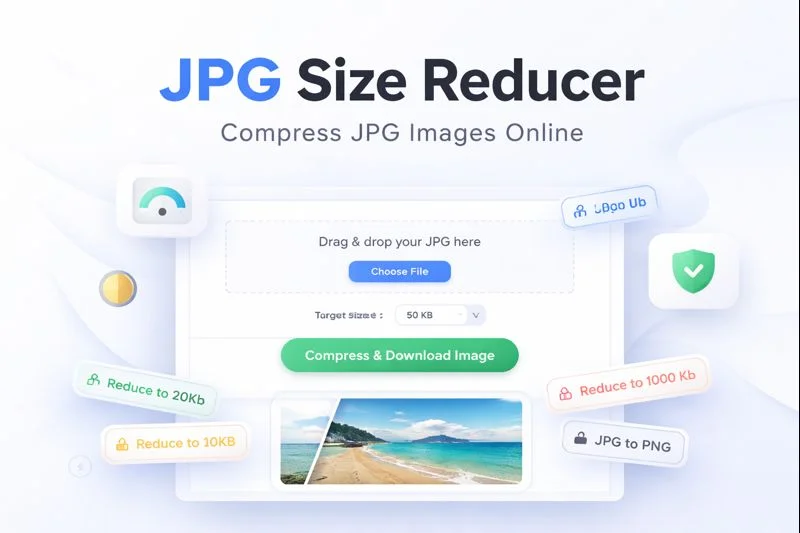
Users can simply drag and drop their JPG files or click the Choose File button to upload images instantly. The tool supports JPG and JPEG formats only, keeping the workflow focused and optimized.
3. Target File Size Control (KB)
One of the most powerful features is the ability to set a custom target size in KB. Whether you want to reduce images to 20KB, 50KB, or 100KB, the plugin gives full control to the user.
4. Instant Compression & Download
With a single click on Compress & Download Image, the tool processes the image and automatically downloads the optimized file — no waiting, no redirects.
5. Live Image Preview
Before and after compression, users can preview the processed image directly on the page, ensuring quality is maintained.
6. Fully Client-Side Processing
All image compression happens inside the browser using the HTML5 canvas API. This means:
No server load
No file storage risks
Faster results
Improved privacy
7. Lightweight & Fast
The plugin does not depend on heavy libraries or frameworks. Its optimized CSS and JavaScript ensure fast loading times and smooth performance even on shared hosting.
SEO Benefits of Using a JPG Size Reducer Online
Optimized images are critical for search engine rankings. By reducing JPG file sizes, this tool helps:
Improve page loading speed
Enhance Core Web Vitals scores
Reduce bandwidth usage
Boost mobile performance
Improve user engagement and retention
Search engines like Google prioritize fast, image-optimized websites, making this tool a valuable SEO asset.
Why Choose JPG Size Reducer Online
✔ No external API
✔ No image upload to servers
✔ Simple and intuitive UI
✔ Accurate KB-based compression
✔ SEO-friendly and performance-focused
✔ Perfect for tool websites and utility pages
This plugin is ideal for anyone looking to create an online JPG compression tool directly within WordPress.
Final Thoughts
The JPG Size Reducer Online – Tool is a smart, modern solution for reducing JPG image sizes online without compromising quality or performance. Its clean design, client-side processing, and SEO advantages make it a powerful addition to any WordPress website focused on speed and usability.
If you’re building an image tool website, optimizing blog performance, or simply want an easy way to compress JPG images, this plugin delivers exactly what you need — fast, clean, and efficient.