PDF to Image Converter Online
Convert PDF pages into high-resolution JPG images with clear text rendering.
📂 Drag & Drop PDF here or
PDF to Image Converter Online – Convert PDF Pages to JPG Online
In today’s digital workflow, converting PDF files into high-resolution images is no longer optional—it’s essential. Whether you’re a designer, student, developer, or content creator, you often need crystal-clear JPG images extracted from PDFs without losing text quality or formatting.
That’s where PDF to Image Converter Online comes in.
This modern WordPress plugin offers fast, accurate, and high-clarity PDF to JPG conversion, powered by advanced rendering technology and a clean, user-friendly interface.
Need the reverse process? Try our fast and secure
Online JPG to PDF Converter to turn images into PDFs instantly.
What Is PDF to Image Converter Online?
PDF to Image Converter Online is a lightweight yet powerful WordPress plugin that allows users to convert PDF pages into high-resolution JPG images directly in the browser—no uploads to external servers, no quality loss, and no watermarking.
Built using PDF.js, the plugin ensures precise rendering with Character Map (cMap) support, solving common issues like invisible or broken text during conversion.
If you need to increase the file size of your converted JPG images, you can use this
Increase Image Size in KB Online tool for quick and accurate results.
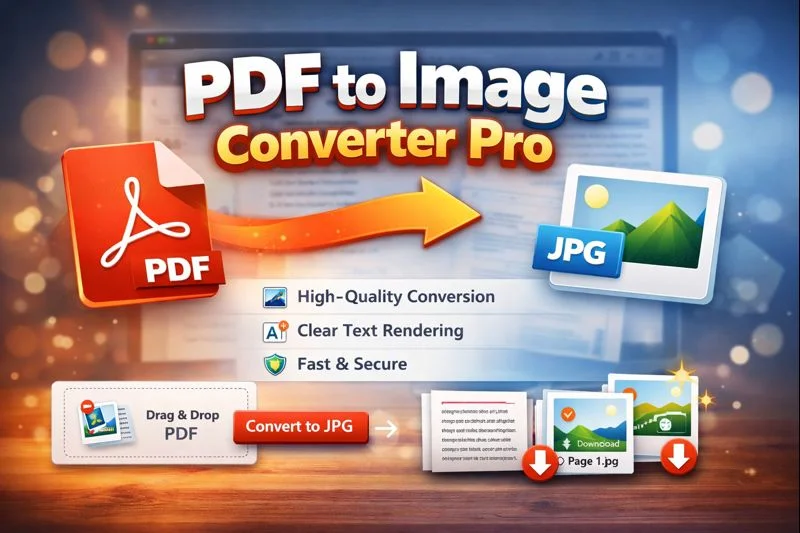
Key Features of PDF to Image Converter Online
🔥 High-Resolution PDF to JPG Conversion
Each PDF page is rendered at a 3.0 scale, ensuring sharp images with readable text—ideal for printing, zooming, or reuse in designs.
🧠 Character Map (cMap) Support
Many converters fail when dealing with embedded fonts or special characters. This tool uses cMap handling to fix invisible text and font mapping issues, delivering accurate results every time.
⚡ Fast Client-Side Processing
All conversions happen directly in the browser. Your files never leave your device, making the process:
More secure
Faster
Privacy-friendly
📥 Automatic JPG Download
Each converted page is instantly downloaded as a high-quality JPG file, saving time and eliminating manual steps.
🎨 Modern & Responsive UI
The plugin features a clean, intuitive interface with:
Drag & drop PDF upload
One-click conversion
Live preview area
Clear-all option
Perfect for both desktop and mobile users.
Why Choose This PDF to Image Converter?
Compared to online tools that compress files or limit quality, PDF to Image Converter Pro stands out because it:
✅ Preserves original clarity
✅ Supports complex fonts and characters
✅ Has no file size restrictions
✅ Requires no server-side processing
✅ Integrates seamlessly with WordPress
It’s a perfect solution for websites offering free online PDF tools, SaaS utilities, or productivity resources.
Use Cases
PDF to Image Converter Pro is perfect for:
📄 Students converting notes to images
🎨 Designers extracting assets from PDFs
🧾 Businesses archiving documents as JPGs
🌐 Websites offering free PDF tools
🧑💻 Developers building utility platforms
FAQs
1. What is PDF to Image Converter Online?
PDF to Image Converter Pro is an online WordPress-based tool that converts PDF pages into high-quality JPG images with clear text rendering and accurate layout preservation.
2. Does this PDF to JPG converter reduce image quality?
No. The tool uses high-resolution rendering to ensure sharp images and readable text without compression or quality loss.
3. Is PDF to Image Converter Pro safe to use?
Yes. All PDF processing happens directly in your browser. Files are not uploaded to any server, ensuring complete privacy and security.
4. Can I convert multi-page PDFs into images?
Yes. The converter automatically processes all pages in a PDF and downloads each page as a separate JPG image.
5. Does this tool support special fonts and invisible text issues?
Yes. With built-in Character Map (cMap) support, the tool accurately renders embedded fonts and prevents missing or invisible text problems.
Final Thoughts
If you’re looking for a reliable, high-clarity, and privacy-focused PDF to JPG converter, PDF to Image Converter Pro is a powerful solution. With advanced rendering, modern UI, and seamless WordPress integration, it delivers professional-grade results without complexity.